Spring SALE! 20% off code : SPRING20 |
PRODUCTS PAGE

.png)

The best learning is active, shared, and responsive. It happens when students can see the thinking unfold, ask questions, contribute ideas, and make connections together. ELMO brings books, handwriting, experiments, real objects, and student work into one shared view—giving teachers the freedom to follow the moment and helping every student become part of it.
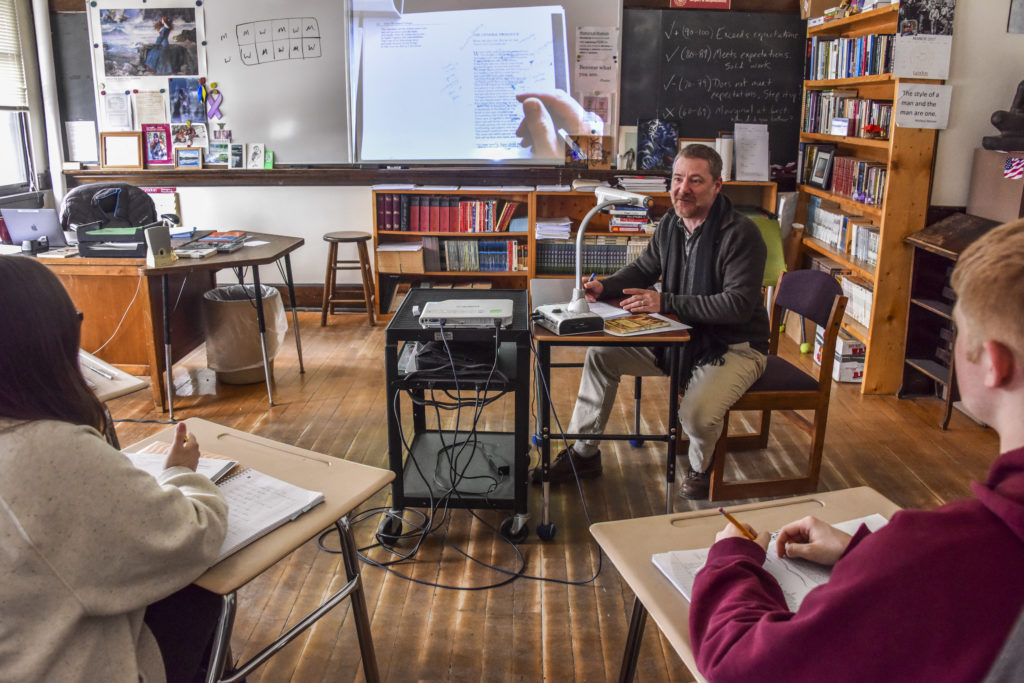
The best classroom standard works consistently, earns teacher confidence, fits existing rooms, and adapts to future classroom designs and technology plans—delivering dependable value year after year.
When technology starts quickly, works consistently, and fits naturally into instruction, teachers spend less time troubleshooting, technology teams receive fewer avoidable support requests, and students experience fewer interruptions to learning.
*Connection options vary by model.
Not just prepared material, but whatever the lesson turns out to need — a page, an object, an experiment, the work a student just finished. Modeling ideas and processes live, so every student follows along instead of crowding around a desk. One tool, across subjects and grade levels, all year.
Different rooms, different connections — but the same controls in the same places, so a teacher moving between them isn't starting over.
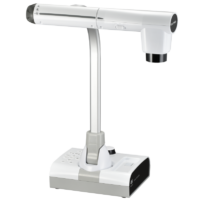
The TT-12G is a top-tier choice for educators who need a powerful, high-resolution document camera that integrates seamlessly into modern classrooms.
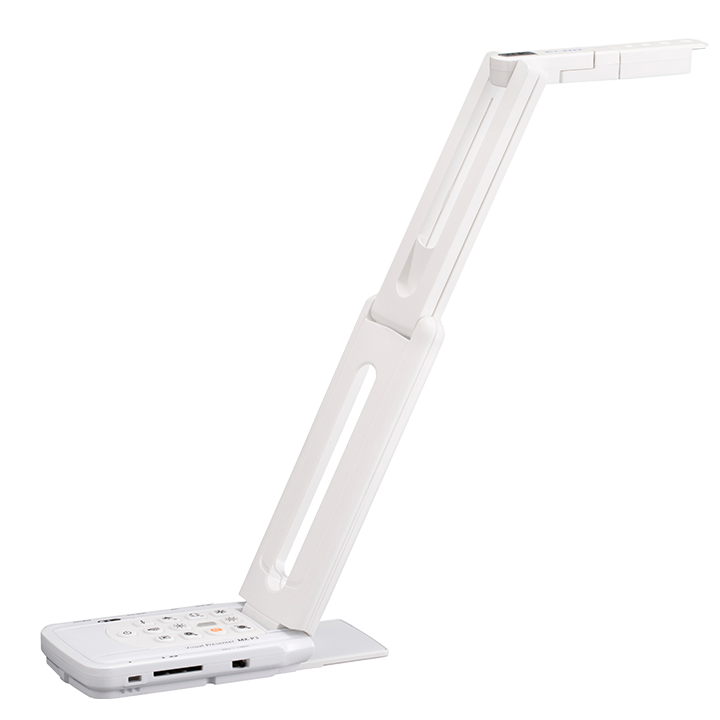
The MX-P3 delivers the smoothest true-to-life, high-quality image with no delay along with a foldable design and small footprint.
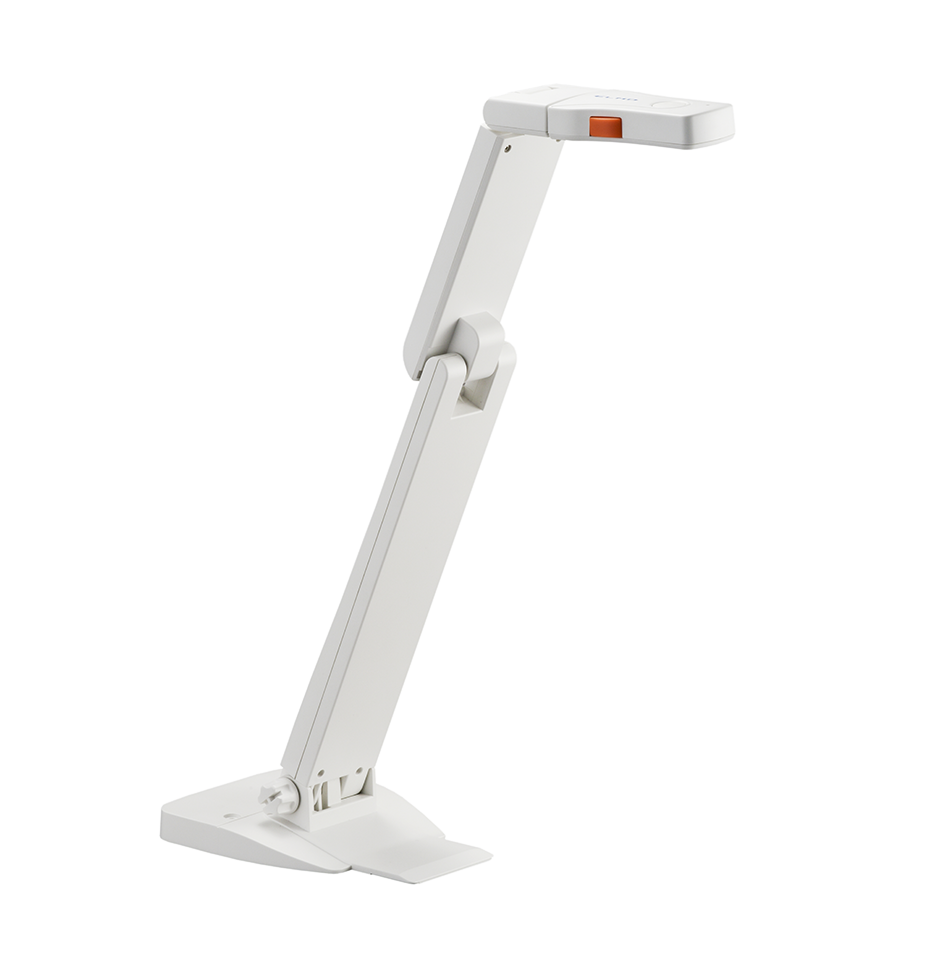
The OX-1 is portable, USB-powered document camera that is a perfect, economical choice for today's connected classroom.
Full specifications, connections, and warranty terms are on each product page.
Your display fills the room with digital content. A document camera puts real objects where every student can see them — a book, student work, a specimen, and more. Together, they connect every student to the learning happening right in front of them.
Expand what you share: annotate, cast, and connect.
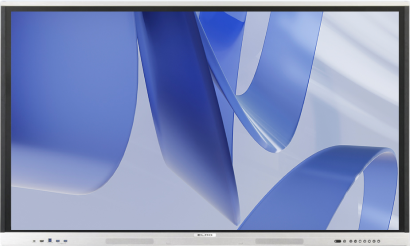
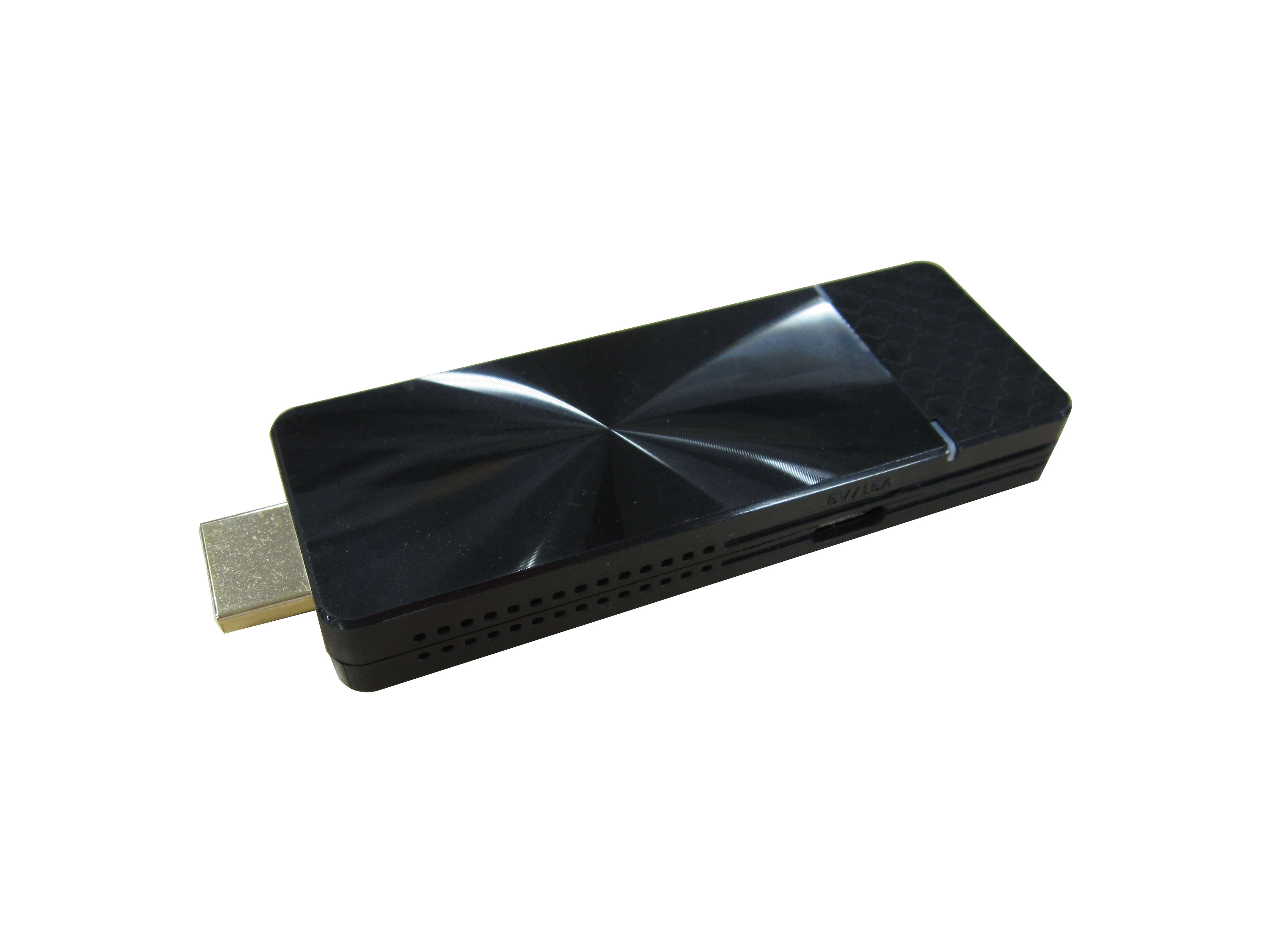
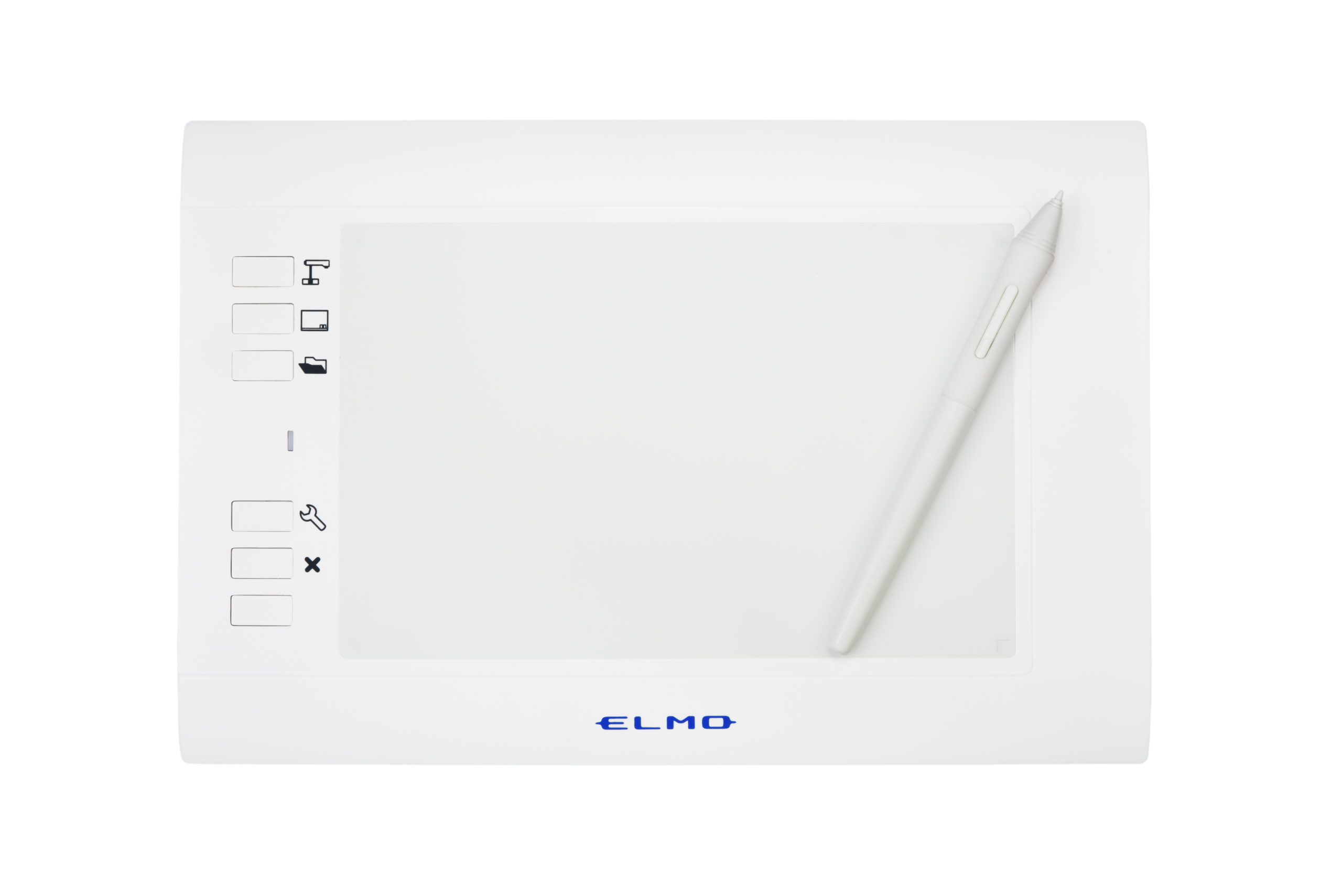
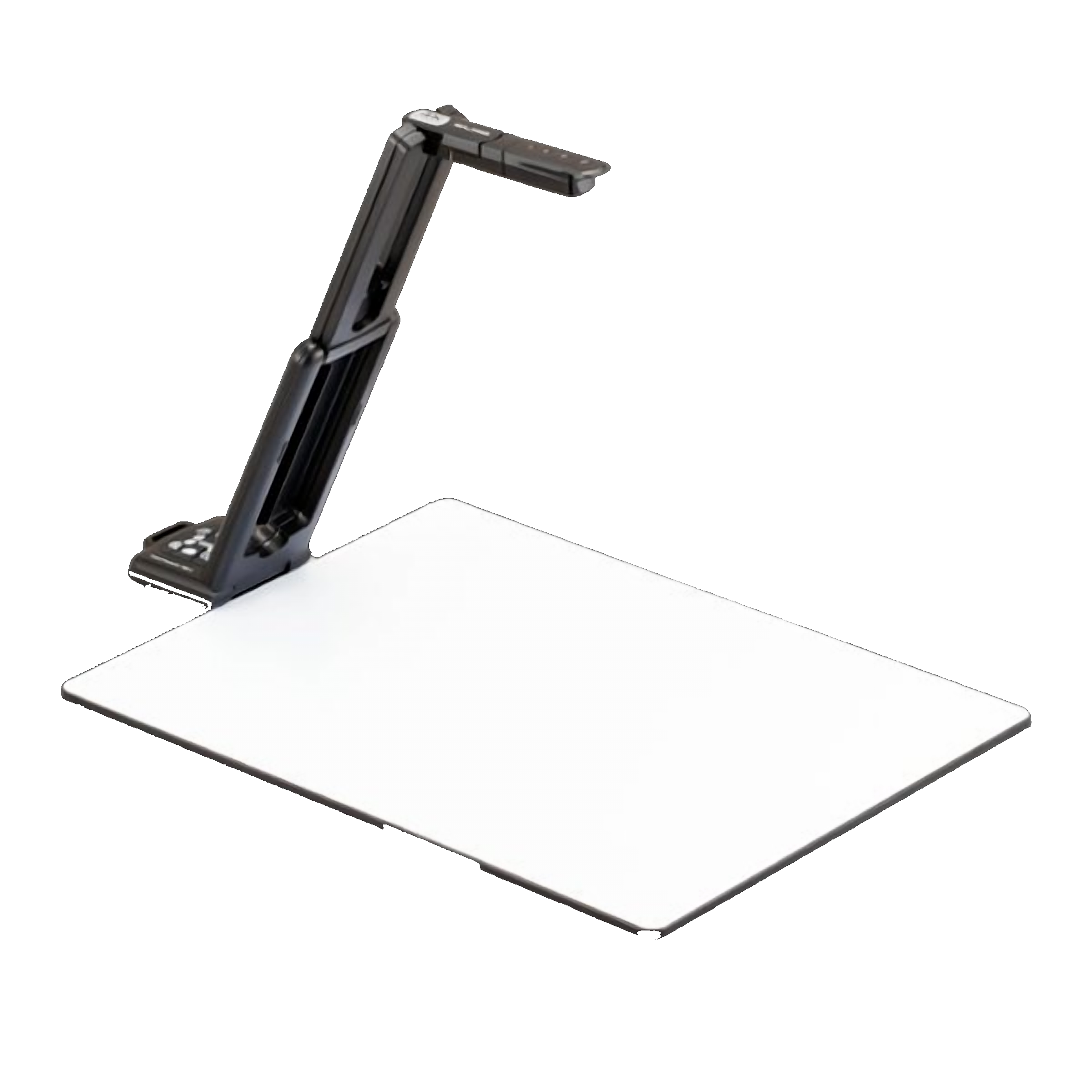
If you're the person comparing models, checking connectivity, or planning deployment across dozens—or hundreds—of rooms, start here.
Evaluate ELMO in a real classroom for up to 30 days before you decide.
Your ELMO team can help. you choose the right products for your classrooms.


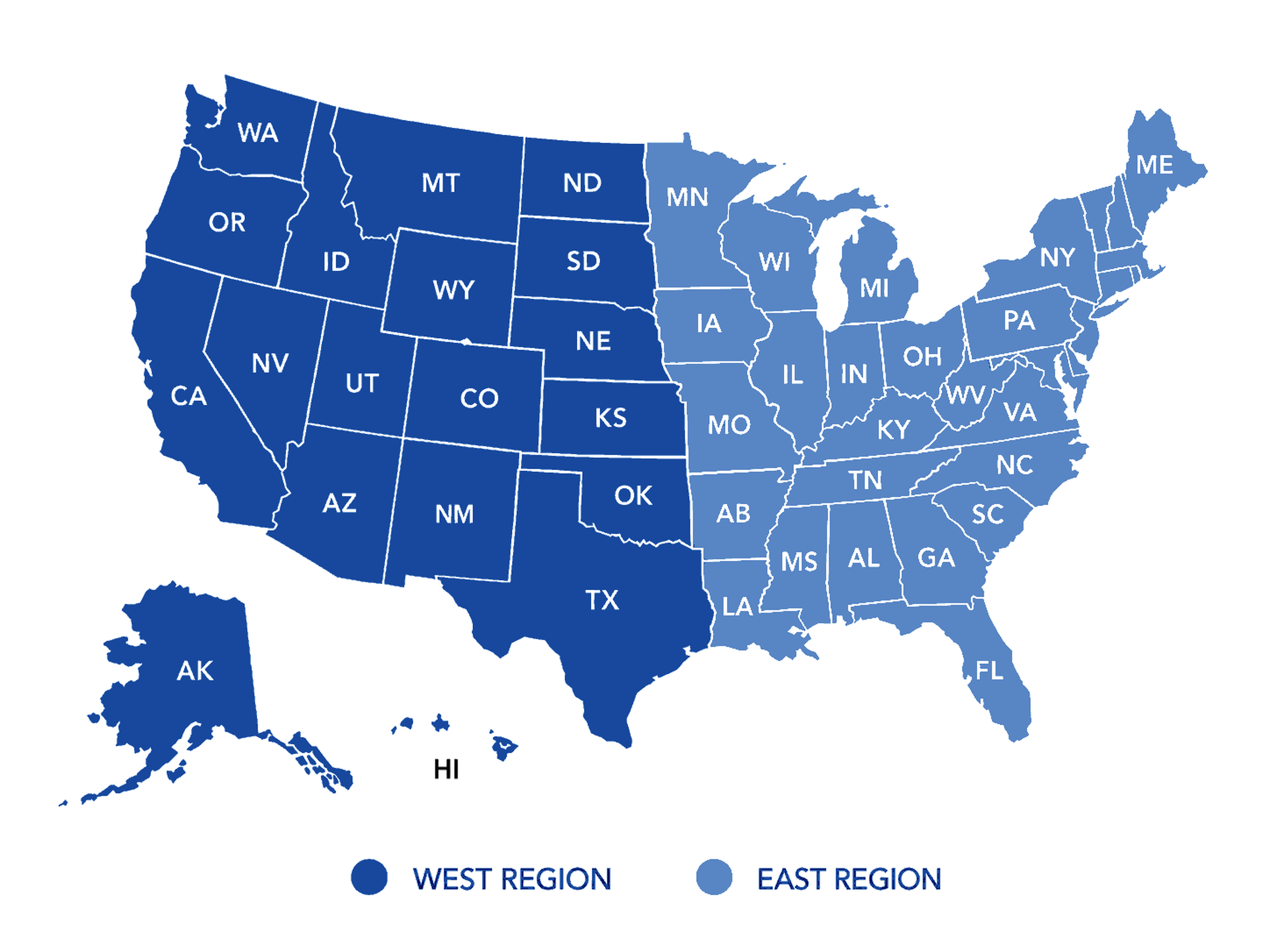
ELMO works through dealer partners across the United States, from the first conversation through installation and the years after it.
Teachers primarily use document cameras to model ideas and processes as they happen.
They can work through a math problem step by step, annotate a page, examine a specimen, demonstrate an experiment, or share student work with the whole class. The possibilities continue to surprise us—educators regularly show us creative uses we never anticipated.
There is no need to scan, upload, or switch between applications.
A document camera complements an interactive display by bringing physical materials and live demonstrations into the digital classroom experience. It does not have to be one or the other.
An interactive display presents digital content. A document camera adds books, handwriting, physical objects, experiments, and student work to that same shared view.
Together, they let teachers move naturally between prepared content and the unexpected examples, questions, and ideas that arise during a lesson. If you need help connecting the two, our support team is ready to assist.
Not always. OX-1 requires a USB connection, while MX-P3 and TT-12G can operate without a computer.
OX-1 connects through USB to a computer or a compatible interactive display capable of recognizing a USB camera. It cannot connect directly to a standard display or projector.
MX-P3 and TT-12G can connect directly to a display or projector through HDMI or VGA. Both also provide USB output, giving schools flexibility in how the cameras are used.
TT-12G can also transmit its image wirelessly to an ELMO Cast receiver or another compatible Miracast display.
ELMO offers connection options for both legacy classroom configurations and newer installations.
MX-P3 and TT-12G can connect directly to a display or projector through HDMI or VGA. OX-1, MX-P3, and TT-12G can also connect through USB to a computer or compatible interactive display. TT-12G adds Miracast wireless display capability.
Connection requirements vary by camera and display. Check the details on each product page, or contact ELMO or an authorized dealer for help confirming compatibility.
Yes. OX-1, MX-P3, and TT-12G can connect to a Chromebook through USB.
Image Mate + Cloud runs in a compatible Chrome browser, so there is no software to download. It provides browser-based access to the live camera image and supported classroom controls.
Downloadable Image Mate and ELMO Interactive Toolbox applications are also available for supported Windows and macOS devices. Features and compatibility vary by camera, operating system, and browser
Very little training is typically needed for everyday use.
Teachers can quickly learn essential functions such as displaying materials, zooming, focusing, adjusting the image, and freezing a live view. Teachers who have used ELMO before will recognize the familiar experience, while first-time users can usually learn the basic classroom workflow in just a few minutes.
The best choice depends on how the camera will connect, how much portability the room requires, and which teaching features educators will use.
Choose OX-1 for simple USB-based classrooms.
OX-1 is a practical 1080p choice when the camera will connect to a computer or compatible interactive display. It provides essential everyday functionality through one USB connection.
Choose MX-P3 when portability and connection flexibility matter.
MX-P3 combines 4K imaging with a compact, lightweight design. HDMI, USB, and RGB/VGA outputs make it a strong choice for classrooms that need direct-to-display operation in a portable design.
Choose TT-12G for a full-featured classroom standard.
TT-12G is designed for high-use classrooms that benefit from premium 4K imaging, optical zoom, passthrough connections, extensive wired connectivity, and Miracast wireless display capability.
Some schools standardize on one model across the district. Others match different models to USB-based, portable, and full-featured classrooms. ELMO and its authorized dealer partners can review your room configurations and help determine the best approach.
TT-12G uses Miracast to transmit its image directly to an ELMO Cast receiver or another compatible Miracast display.
In this direct configuration, the camera does not need to join the school’s Wi-Fi network or consume its network bandwidth. The camera can cast from different areas of a typical classroom without requiring direct line of sight.
As with any wireless system, performance can be affected by distance, walls, competing wireless signals, and the receiving device. The camera still requires power, and ELMO support can help your technology team confirm compatibility and configuration.
Yes. A complimentary classroom demo can be arranged for up to 30 days, subject to equipment availability and program terms.
Teachers can evaluate the camera in their own classrooms before the school makes a purchasing decision. Contact ELMO directly or work with an authorized ELMO dealer to arrange a demo.
ELMO provides live U.S.-based support and an extensive online knowledge base available 24/7.
OX-1 carries a three-year warranty. MX-P3 and TT-12G carry five-year warranties covering parts and labor under ELMO’s published warranty terms.
If a camera requires attention, our support team will help troubleshoot the issue and guide you through the repair process when service is necessary. Serviceable product designs help extend useful life, reduce unnecessary replacement, and return the camera to the classroom.
6851 Jericho Turnpike, Suite 145
Syosset, NY 11791
Phone: 516-501-1400
Tech Support: 800-947-3566


